Related Products in SureCart: Boost Cross-Selling & Upselling
SureCart is a modern, lightweight eCommerce platform for WordPress that simplifies selling digital and physical products. One of its powerful features is the ability to display related products, helping store owners increase average order value (AOV) through cross-selling and upselling.
Why Show Related Products in SureCart?
- Increase Sales – Suggesting complementary products encourages customers to add more items to their cart.
- Improve Customer Experience – Helps shoppers discover relevant products they might have missed.
- Reduce Cart Abandonment – By showcasing alternatives or upgrades, you keep customers engaged.
- Boost Retention – Personalized recommendations improve repeat purchases.
How to Display Related Products in SureCart with Bricks?
SureCart doesn’t have a built-in "related products" feature yet for bricks, but you can implement it using these methods:
Step 1:
Go to Bricks -> SureBricks -> Misc page and enable the Custom Query Providers option. Now open the single product page template or any other pages on the Bricks Builder editor.Step 2:
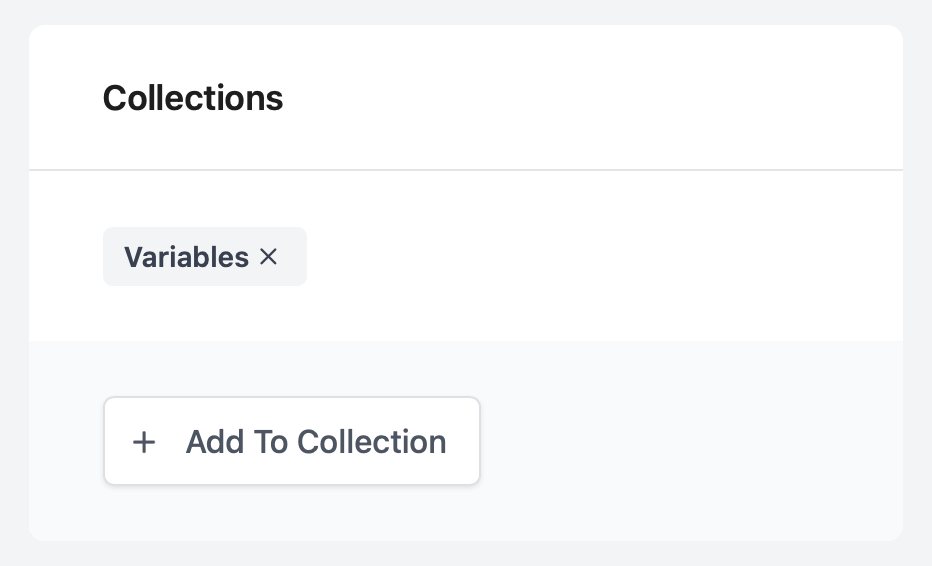
Make sure that you added the Collections to the every products. Because SureCart filters the related products based on this collections value.
Now follow this:
- Add the DIV or BLOCK element on the canvas.
- Enable the Query loop
- Click on the Query ()
- Select SureBricks from Type dropdown
- Close the popup
- Select Related Products from the Query type dropdown
- Adjust the query params per your need
- Add the Product card element
- Save
Best Practices for Related Products in SureCart
✅ Show 3-5 related items – Too many options can overwhelm customers.
✅ Keep them relevant – Display products from the same category or frequently bought together.
✅ Use attractive thumbnails & clear CTAs – Encourage clicks with compelling visuals.
✅ Test placements – Try showing related products on the cart page, checkout, or product pages.