
AJAX Search Form is the Bricks element which is searching the content via AJAX from your site. It is very flexible and you can easily customize it from the bricks editor. The search result layout is not fixed. You can make any kind of design for your result. It is compatible with any CPTs and WooCommerce.
You should get this element under the Bricks->BricksUltimate ->General Elements tab. By default, this element is disabled.
This element will work inside the query loop builder, products element, related products element, and up-sells products element.
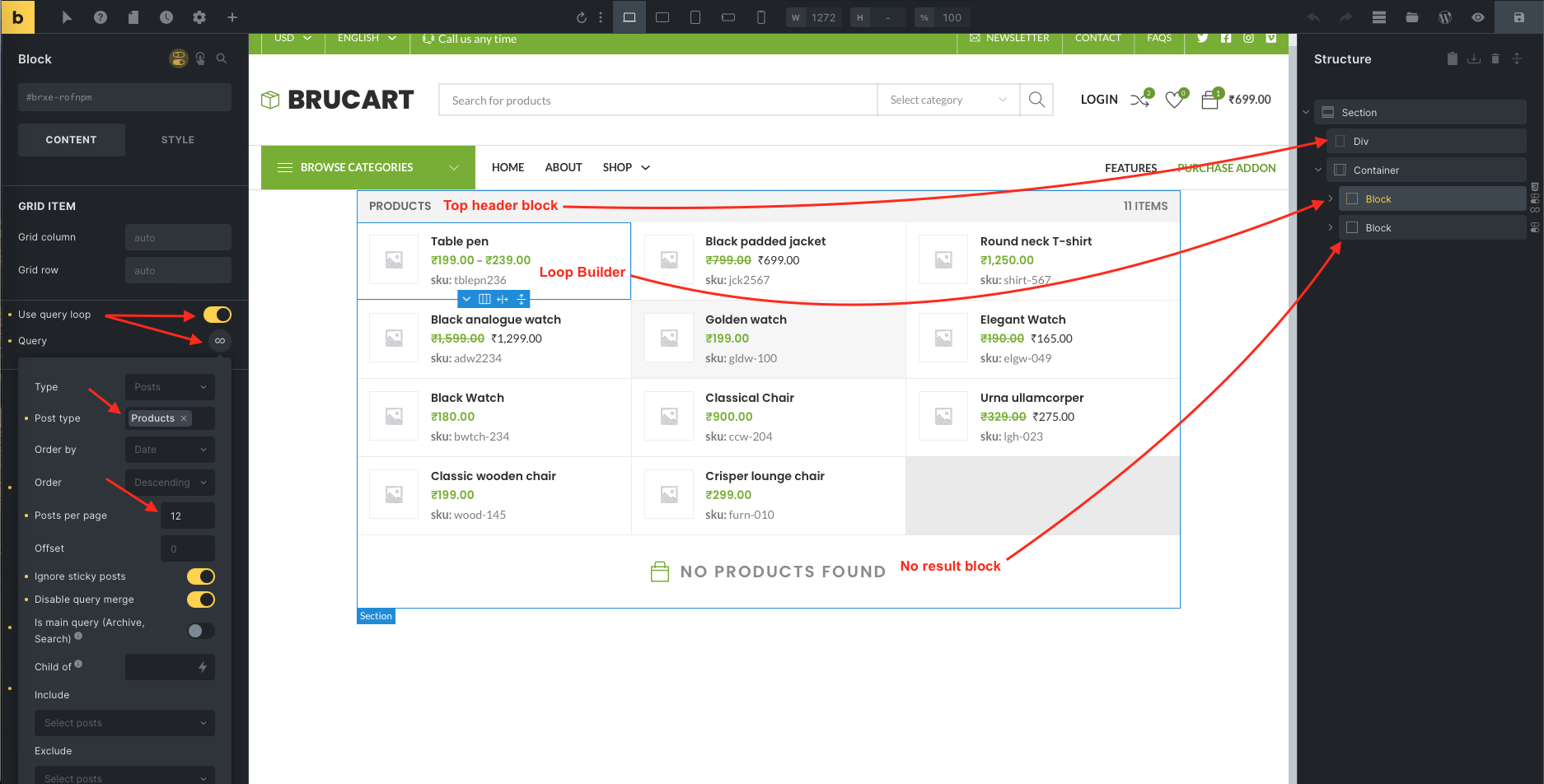
Creating The Search Result Layout

#1: Click on the Bricks -> Templates -> Add New
#2: Enter the title and select “BricksUltimate – Ajax search result” from the template type dropdown.
#3: Click on the Publish button.
#4: Click on the EDIT WITH BRICKS yellow button and open the builder editor.
Settings of the Template
Add Search Form
You will get the AJAX Search Form element under the Ultimate category on the bricks editor. Select and put this element on the canvas. There are a lot of features in this element to customize the default design. You can put this element on the header template, off-canvas, popup, etc places. Make sure that you are selecting the correct post type to fetch the correct result.
Select the correct Search Result layout from the dropdown.
Video
Meta Query
AJAX Search element is now compatible with the custom meta fields. Here is the preview:


